Talking Clock app icon
Talking Clock for Android

Your phone tells you the time. Even when you can't look.

Talking Clock announces the time aloud at intervals you choose — so you can keep cooking, cleaning, or working without stopping to check your phone.

Talking Clock — Know the time without looking
Get it on Google Play Pay once. Yours forever — no subscription, no ads.
What it does

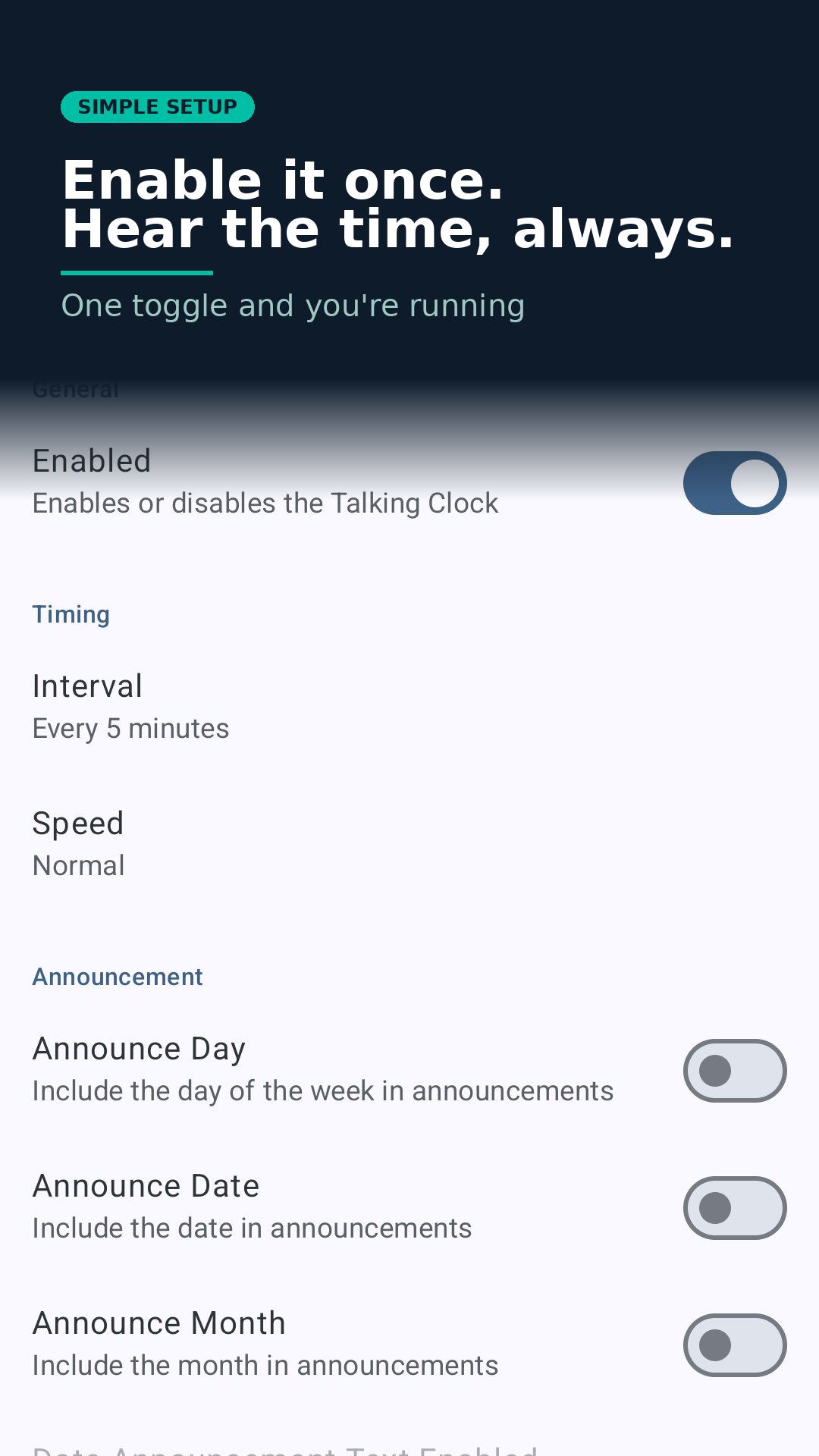
Set it once. Hear the time, always.

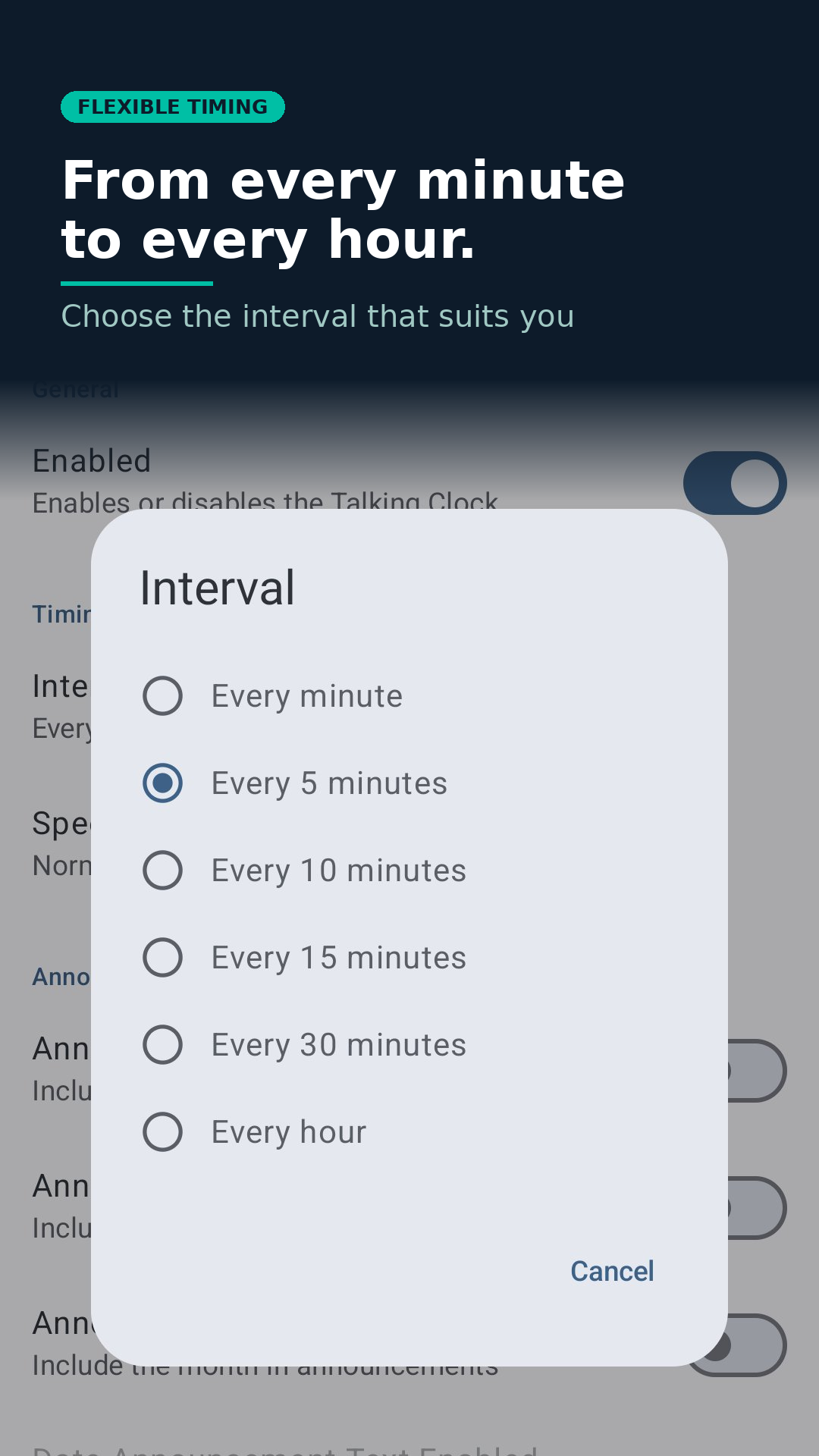
Talking Clock runs quietly in the background and speaks the time at whatever interval suits you — every minute, every 5, 10, 15, or 30 minutes, or every hour. You can optionally include the day, date and month in each announcement, switch to 24-hour format, and set Quiet Hours to automatically silence announcements overnight. It's ideal if your hands are full, if you are visually impaired, or if you simply find it easier to hear the time than hunt for a clock.

Screenshots

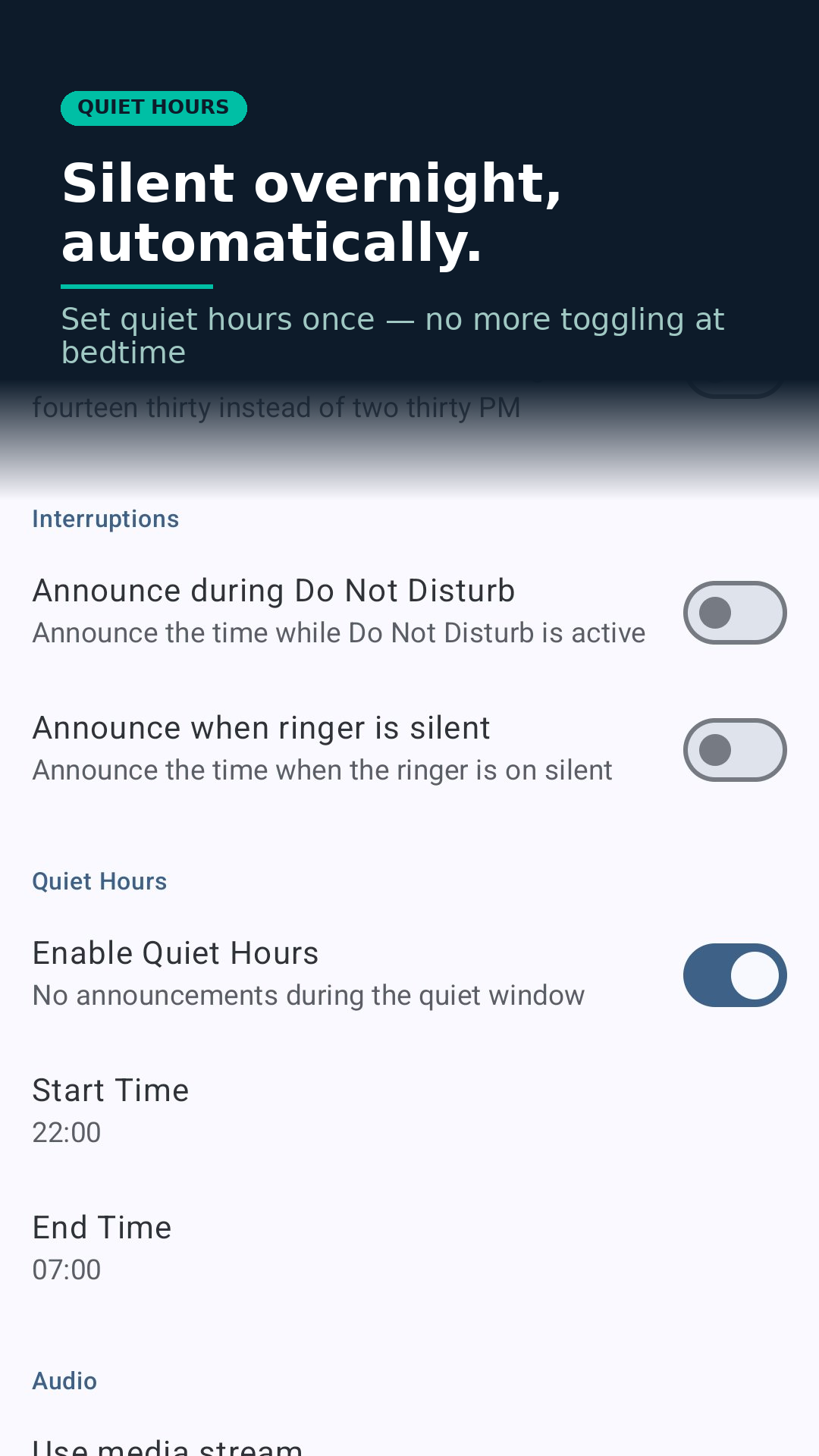
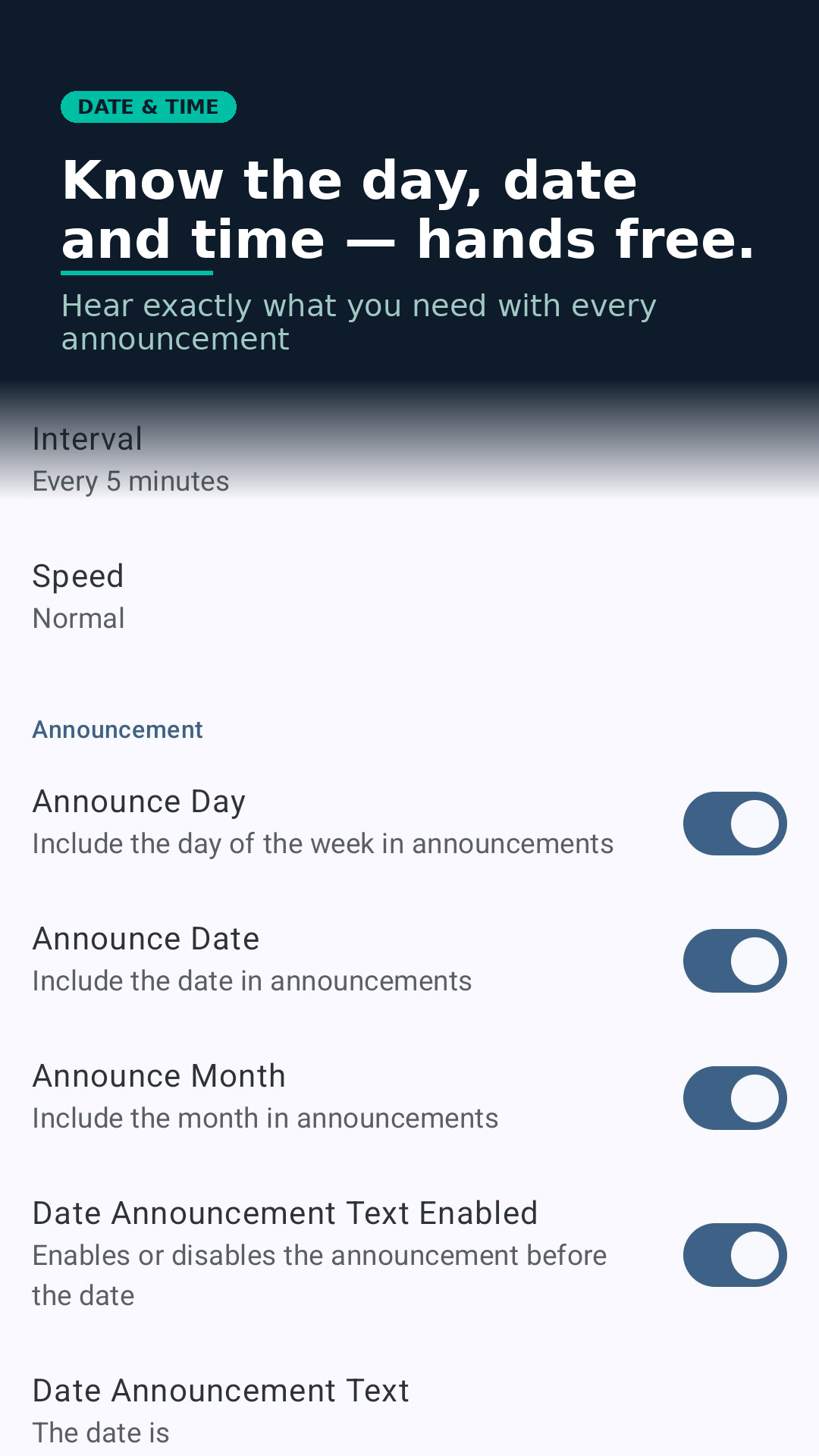
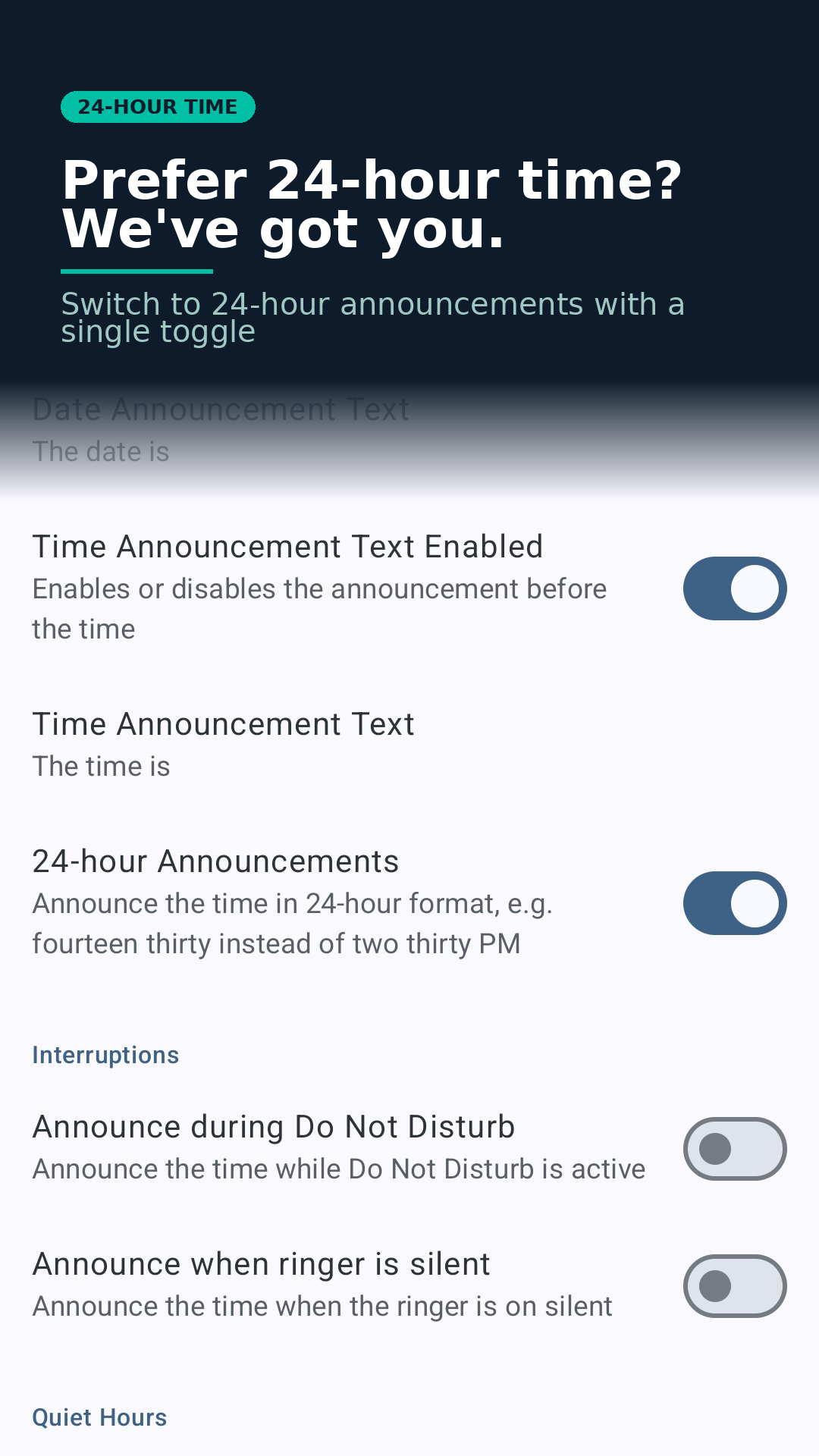
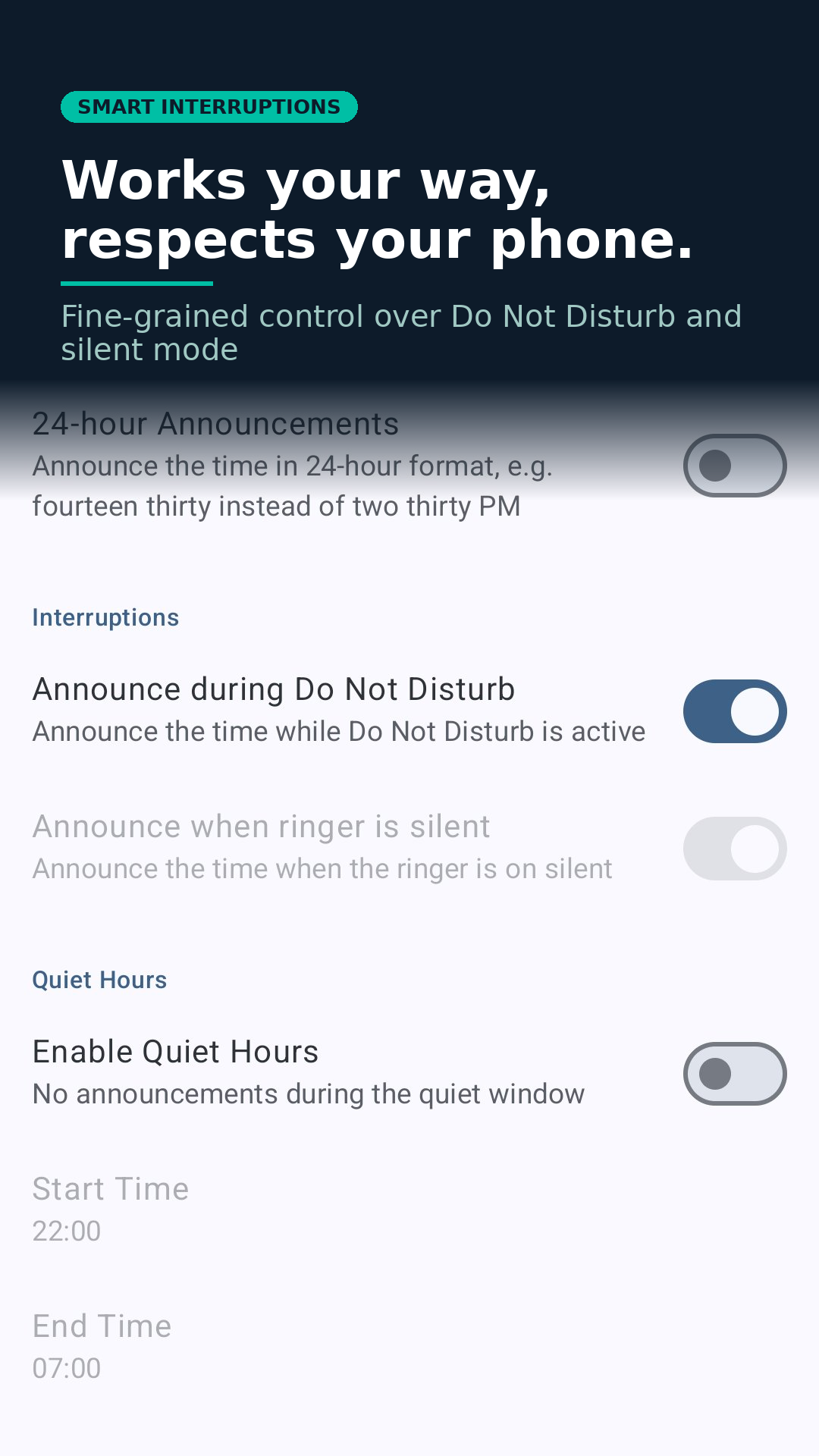
Talking Clock home screen — one toggle to enable hands-free time announcements at your chosen interval Talking Clock interval picker — choose announcements from every minute to every hour Talking Clock quiet hours — set a start and end time to silence announcements automatically overnight Talking Clock date settings — optionally include the day, date and month alongside every time announcement Talking Clock 24-hour time — switch to 24-hour format with a single toggle Talking Clock interruption settings — fine-grained control over Do Not Disturb and silent mode Talking Clock dark theme — light and dark theme supported, looks great however you use your phone

Features

Six announcement intervals — from every minute to every hour
Adjustable speaking speed
Edit the announcement text to suit you
Pauses other audio apps during the announcement, then resumes them
Won't interrupt phone calls
Respects Do Not Disturb and silent mode
Choose between alarm volume or media volume
Runs reliably in the background on Android
Quiet Hours — set a daily window where announcements are automatically silenced
Optionally include the day, date and month alongside the time
24-hour time format support

What people say

★★★★★
"This app is excellent. I use it at the gym where I don't have access to a clock and need to know what time to head back to the office. Simple to use and it doesn't interfere with my music. I highly recommend this app."
via Google Play
★★★★★
"Great app, found it very useful while I was ill with dehydration to remind me to drink. The various intervals were very useful for this. Also very helpful in the mornings when getting ready for work."
via Google Play
★★★★★
"Very simple to use and edit. Glad I can remove additional announcement text so that it can just say the time."
via Google Play

Ready to stop hunting for a clock?

Pay once. Yours forever — no subscription, no ads.
Get it on Google Play

Get in touch

Having a problem or a suggestion? We read every message.

hello@mrmoosoftware.com Follow on Facebook